


The digital age has gifted us with countless conveniences, and the QR code stands out as a prime example. With a quick scan from our smartphone, we can access menus, make payments, download apps, and visit websites. This seamless bridge between the physical and digital worlds has been widely embraced for its efficiency. However, this very convenience and the implicit trust we place in these pixelated squares have been weaponized by cybercriminals. A new, insidious form of phishing has emerged, known as “Quishing,” or QR code phishing. It preys on our habits, bypassing traditional security measures and tricking even cautious users into compromising their most sensitive information through messages that appear to be about secure logins or account updates.
This comprehensive guide will delve into the world of Quishing. We will explore how these scams operate, why they are so dangerously effective, and the common scenarios scammers use to lure their victims. More importantly, we will equip you with the knowledge to identify and avoid these threats, and outline the critical steps to take if you suspect you’ve fallen victim. Understanding this evolving threat is the first step toward protecting your digital life and financial assets from those who seek to exploit our trust in technology.
Spis treści:
- What is Quishing and Why is it So Effective?
- The Anatomy of a Quishing Attack: From Scan to Stolen Data
- Common Quishing Scenarios You Need to Watch Out For
- How to Protect Yourself: A Proactive Defense Against Quishing
- I’ve Been Quished: Immediate Steps to Mitigate the Damage
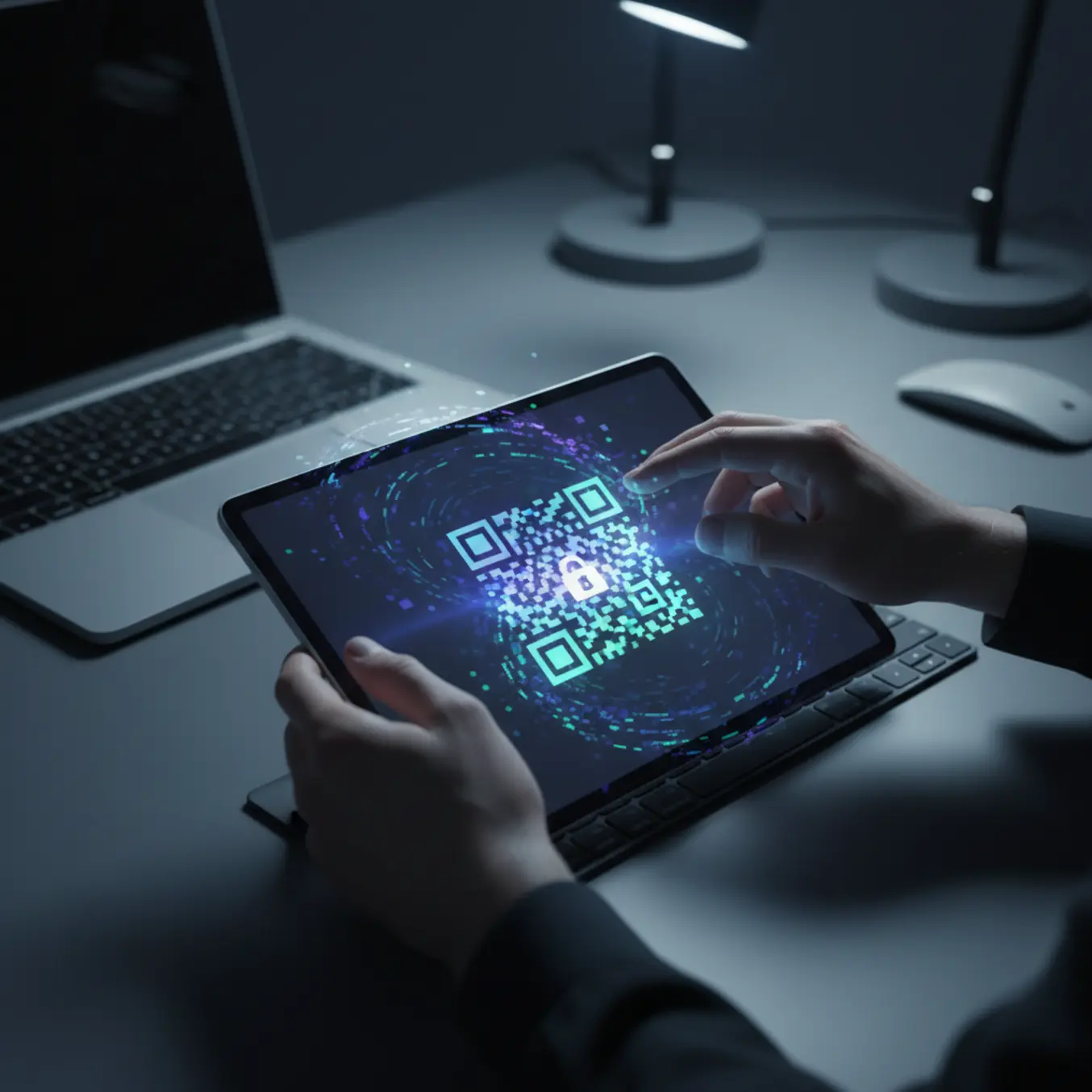
What is Quishing and Why is it So Effective?
Quishing is a phishing attack that uses a QR (Quick Response) code to trick a victim into visiting a malicious website, downloading malware, or revealing sensitive information. Unlike traditional phishing, which relies on a clickable link in an email or text message, Quishing hides the malicious destination behind the seemingly innocuous black-and-white square. This simple change in delivery mechanism gives scammers several significant advantages and makes these attacks particularly potent.
The primary reason for Quishing’s effectiveness is its ability to bypass both human and technological defenses. Most security-conscious users have been trained to be suspicious of links. We hover our mouse over a hyperlink to preview the destination URL before clicking. We scrutinize email addresses and look for spelling errors in the domain name. A QR code, however, is opaque. There is no way to “preview” its destination just by looking at it. You must scan it to find out where it leads, and by then, you may already be on a fraudulent website loaded in your mobile browser.
Furthermore, Quishing attacks often bypass automated security filters. Many corporate and personal email security systems are designed to scan the text of an email for known malicious URLs. Because the QR code is an image, these scanners often fail to analyze the embedded link, allowing the malicious email to land directly in the user’s inbox, appearing safe and legitimate. The attack is executed on the user’s mobile device, which may have fewer security protections than a corporate desktop and a smaller screen that makes it more difficult to spot subtle inconsistencies in a fraudulent website’s URL.
This creates a dangerous “trust gap.” We perceive QR codes as tools of convenience provided by legitimate businesses—restaurants, couriers, and banks. Scammers exploit this ingrained trust, using the QR code as a Trojan horse to deliver their malicious payload. The message accompanying the QR code is carefully crafted to create a sense of urgency or fear, such as a “failed login attempt” or a “problem with your delivery,” pushing the user to scan without thinking critically.
The Anatomy of a Quishing Attack: From Scan to Stolen Data
A successful Quishing attack follows a carefully orchestrated, multi-step process designed to manipulate the user and exploit technological vulnerabilities. Understanding this process is key to recognizing the red flags at each stage. The attack is not just about the QR code itself, but the entire deceptive narrative built around it.
Step 1: The Bait – Crafting the Deceptive Message and Context
The attack begins with social engineering. The scammer creates a convincing pretext to get you to scan the QR code. This bait is delivered through various channels. It could be an email impersonating your bank, your IT department, a government agency, or a popular online service. The message will almost always convey urgency or a potential problem that requires immediate action. Common themes include security alerts, account verification requests, package delivery issues, or unpaid invoices. In the physical world, scammers may place stickers with malicious QR codes over legitimate ones on public posters, parking meters, or restaurant tables.
Step 2: The Scan – Bypassing Defenses and Obscuring Intent
This is the core of the Quishing technique. The user, prompted by the urgent message, scans the QR code with their smartphone. As discussed, this act bypasses the normal skepticism associated with clicking a text link. The phone’s camera app or a dedicated QR scanner reads the code and prompts the user to open the embedded link in their web browser. At this point, the user has no clear idea of the true destination. They are acting on the trust established by the deceptive message.
Step 3: The Hook – The Fake Landing Page
Once the link is opened, the user is directed to a fraudulent website. This website is the “hook” and is meticulously designed to be a pixel-perfect clone of the legitimate site it is impersonating. Whether it’s a Microsoft 365 login page, a PayPal portal, or a DHL tracking site, every detail—logos, fonts, color schemes—is copied to eliminate suspicion. The only difference is the URL in the browser’s address bar, which might have a subtle misspelling (e.g., “microsott-login.com”) or use a different top-level domain. On a small mobile screen, these details are very easy to miss. This is a classic element of many phishing and fake payments schemes, where legitimacy is faked to gain trust.
Step 4: The Theft – Harvesting Credentials and More
Believing they are on the real website, the victim enters their credentials—username and password, credit card information, or other personal data. When they click “Log In” or “Submit,” this information is not sent to the legitimate service. Instead, it is sent directly to a server controlled by the scammer. In many cases, the fake site will then redirect the user to the actual, legitimate website, making it seem like there was a minor login error. The user might try again and log in successfully, remaining completely unaware that their credentials have just been stolen.
Common Quishing Scenarios You Need to Watch Out For
Cybercriminals are constantly innovating, but their Quishing attacks tend to follow several common patterns. By familiarizing yourself with these scenarios, you can better recognize a potential scam before you scan.
The “Parcel Delivery” Scam
This is one of the most widespread Quishing tactics. You receive an email or SMS message, seemingly from a major courier like FedEx, DHL, or your local postal service. The message claims there is an issue with a package delivery—perhaps a failed delivery attempt, an unpaid customs fee, or a need to confirm your shipping address. It instructs you to scan an included QR code to track your package or resolve the issue. Scanning the code leads to a fake tracking website that asks for your personal information and potentially a small payment for “redelivery,” which of course is designed to steal your credit card details. Scammers leverage the anticipation and frequency of online shopping to make this bait highly effective, a technique central to many modern phishing and fake payments.
The “Bank Security Alert” or “MFA Update” Ploy
This high-stakes scam impersonates your bank or financial institution. The email will contain an alarming subject line like “Suspicious Activity Detected” or “Action Required: Update Your Security Settings.” The body of the message explains that for your protection, you need to verify your identity or update your Multi-Factor Authentication (MFA) settings immediately by scanning a “secure” QR code. The code directs you to a perfect replica of your bank’s online login portal. Once you enter your username and password, the scammers have full access to your bank account. The MFA update is a particularly devious twist, as it tricks users into thinking they are *increasing* their security while they are actually compromising it.
Quishing weaponizes convenience. The tool we use to quickly access a menu or a website becomes the very vector for an attack, exploiting our trust that a simple scan is harmless. This cognitive shortcut is what criminals depend on.
The “Corporate Software Update” Ruse
Targeting employees within an organization, this scam often impersonates a company’s IT department or a major software provider like Microsoft or Google. The email will state that a mandatory security update is required for a program like Microsoft 365, Outlook, or a VPN client. To facilitate a quick update on mobile devices, the email provides a QR code. Scanning it leads to a fake login page for that service. When an employee enters their corporate credentials, they not only compromise their own account but potentially provide the attacker with a foothold into the entire corporate network, leading to data breaches, ransomware attacks, and significant financial loss for the company.
The “Free Wi-Fi” or “Contest Entry” Trap
This type of Quishing often happens in the physical world. Scammers will place posters or stickers in public places like cafes, airports, parks, or shopping malls. These posters might advertise “Free High-Speed Wi-Fi” or invite you to “Scan to Win a New iPhone.” When you scan the QR code, it might do one of several malicious things: direct you to a website that asks for extensive personal information to “register” for the contest, initiate the download of a malicious application, or install a malicious configuration profile on your device that can intercept your data traffic. People are often less guarded in public spaces and more susceptible to the lure of a free offer, making this a simple but effective trap.
How to Protect Yourself: A Proactive Defense Against Quishing
While Quishing is a cunning threat, you are not defenseless against it. Adopting a mindset of healthy skepticism and following a few practical security habits can dramatically reduce your risk of falling victim. Protection is not about avoiding QR codes altogether, but about interacting with them intelligently and cautiously.
- Question the Context: Always be skeptical of unsolicited QR codes, especially those that arrive in emails or text messages. Ask yourself: Was I expecting this? Does it make sense for this company to send me a QR code for this purpose? A bank will almost never ask you to verify your identity by scanning a QR code in an email.
- Use a Secure Scanner with URL Preview: Standard camera apps often open links immediately. Consider using a dedicated security-focused QR scanner app that will show you a preview of the full URL before opening it in a browser. This gives you a critical moment to inspect the link for red flags.
- Manually Inspect the URL After Scanning: If you do scan a code, make it a habit to look at the URL in your browser’s address bar *before* you enter any information. Look for misspelled company names, unusual domain extensions (like .xyz or .info instead of .com), or long, convoluted addresses. Ensure the connection is secure by looking for HTTPS and the padlock icon.
- Avoid Logging In Via QR Codes: As a general rule, avoid entering sensitive information like login credentials or financial details on any website you’ve reached by scanning a QR code. If you receive a message from your bank or another service, close the message and navigate to their official website or app directly by typing the address yourself or using a trusted bookmark.
- Verify the Source Independently: If an email from a company feels suspicious, do not use the contact information provided in the email. Instead, find the company’s official phone number or support email from their website and contact them to verify the legitimacy of the request.
- Check for Physical Tampering: When scanning a QR code on a physical poster or sign in public, take a moment to check if it’s a sticker. Scammers often place their malicious QR code sticker directly on top of a legitimate one. If it looks or feels like a sticker, do not scan it. This education is your primary shield against all types of phishing and fake payments.
I’ve Been Quished: Immediate Steps to Mitigate the Damage
Realizing you may have scanned a malicious QR code and entered your credentials can be a frightening experience. However, quick and decisive action can significantly limit the potential damage. If you suspect you’ve been compromised, follow these steps immediately:
- Change Your Password: Go directly to the official website of the account that was compromised. Do not use any links from the suspicious email. Log in and change your password immediately. If you use that same password for any other accounts, change those as well. Create a strong, unique password for each account.
- Enable Two-Factor Authentication (2FA): If you do not already have 2FA enabled on the account, turn it on now. This provides a critical second layer of security, requiring a code from your phone or an authenticator app in addition to your password. This can lock an attacker out even if they have your password.
- Scan Your Device for Malware: Some malicious QR codes can lead to websites that attempt to download malware onto your device. Run a full scan using a reputable mobile antivirus or anti-malware application to check for and remove any threats.
- Monitor Your Accounts: Keep a very close watch on any compromised accounts. For bank or credit card accounts, check for any unauthorized transactions. For email or social media accounts, look for any unusual activity, such as sent messages you didn’t write or changes to your profile.
- Report the Incident: Report the phishing attempt to the company that was being impersonated. They can take action to shut down the fraudulent website. You should also report the scam to relevant authorities to help protect others.
- Seek Professional Recovery Assistance: If you have suffered a financial loss as a result of a Quishing scam, the situation can feel overwhelming. Scammers are adept at moving money quickly through complex networks. This is where professional help is vital. At Nexus Group, we specialize in tracking and recovering assets lost to online fraud. Our team of investigators, blockchain analysts, and legal experts understands the methods these criminals use. We have a proven track record of navigating these complex cases. At Nexus Group, we offer clients a guarantee of recovering their funds or a full refund of our service fee. Our experience in handling sophisticated phishing and fake payments fraud gives our clients the best possible chance of reclaiming what is rightfully theirs.
Staying vigilant is your best defense in an increasingly complex digital landscape. By understanding the tactics of Quishers and knowing how to respond, you can continue to enjoy the convenience of technology without becoming its victim. If the worst should happen, know that expert help is available to fight on your behalf.
If you have been a victim of a Quishing attack or any other form of online fraud, do not hesitate. Time is critical. Contact us to schedule a free consultation and learn how we can help you start the recovery process.
